
Getting Started with ClashX Meta
Last updated:
Set up ClashX Meta on your Mac using a Mihomo-compatible subscription. You’ll add a remote configuration from the menu bar, choose a node, and check the connection.
Contents
What is ClashX Meta?
ClashX Meta is the MetaCubeX macOS menu-bar client for Clash-compatible rules and profiles. Its Mihomo core handles proxy groups, protocols, and routing rules. The profile you activate determines the routes the client can use.
How to Download and Install?
Download ClashX.Meta.zip using the download page. Extract the archive, move ClashX Meta.app to Applications, and open it. Check the release requirements against your macOS version before installing.
Interface Overview
The menu-bar icon gives you access to Config, proxy groups, and Set as System Proxy. Use Config to choose a saved profile. The profile supplies the groups and their available nodes. Set as System Proxy applies to applications that use the macOS proxy settings.
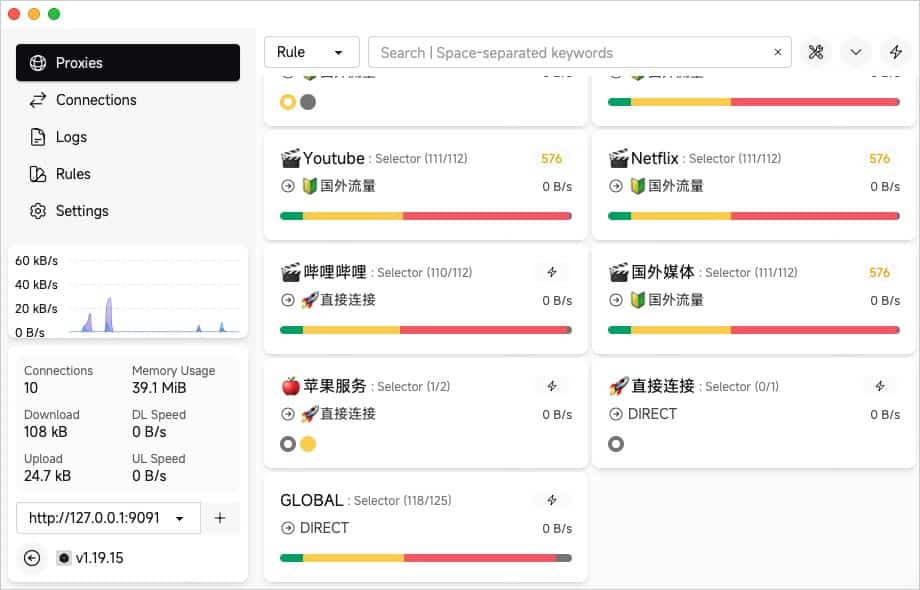
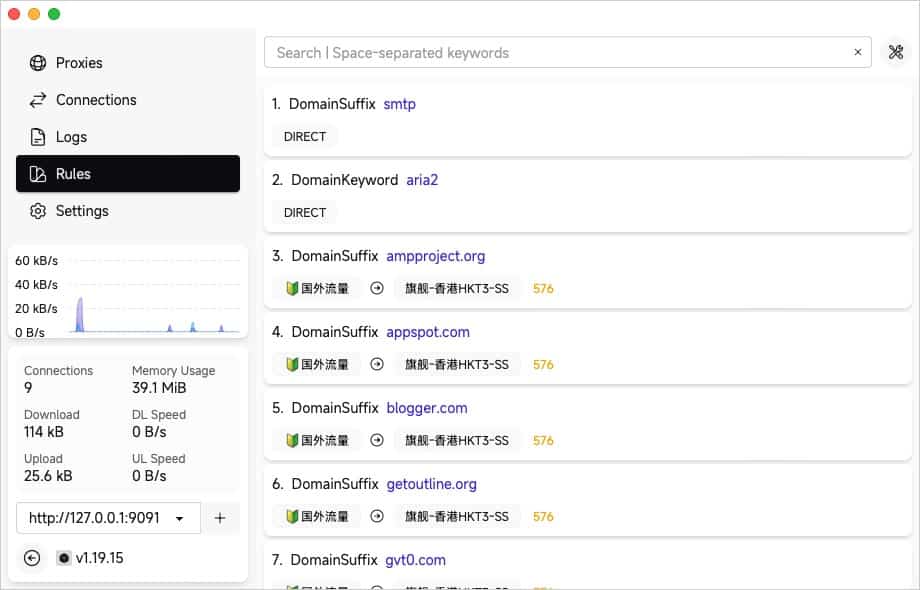
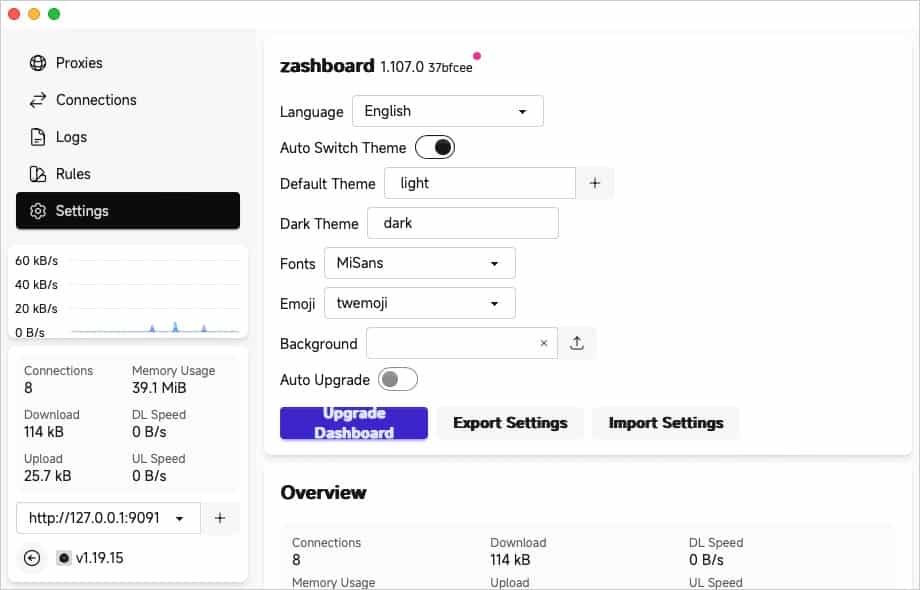
Servers
If your provider offers several subscription formats, choose the link it labels for Mihomo or Clash Meta. For a configuration you maintain yourself, check its fields and protocols against the core bundled with your release.
Compare ClashX Meta subscription options
Quick Configuration
- In the ClashX Meta menu, choose Config → Remote Config → Manage. Select Add, enter a name, and paste the subscription URL.
- Return to Config and select the new profile. In a group that allows manual selection, choose an available node.
- Enable Set as System Proxy and visit a site the current rules route through a proxy. Use a browser that honors macOS proxy settings.
The group is empty? Check the subscription type and that the active profile finished downloading. If only one app fails, check whether it uses the macOS system proxy.